
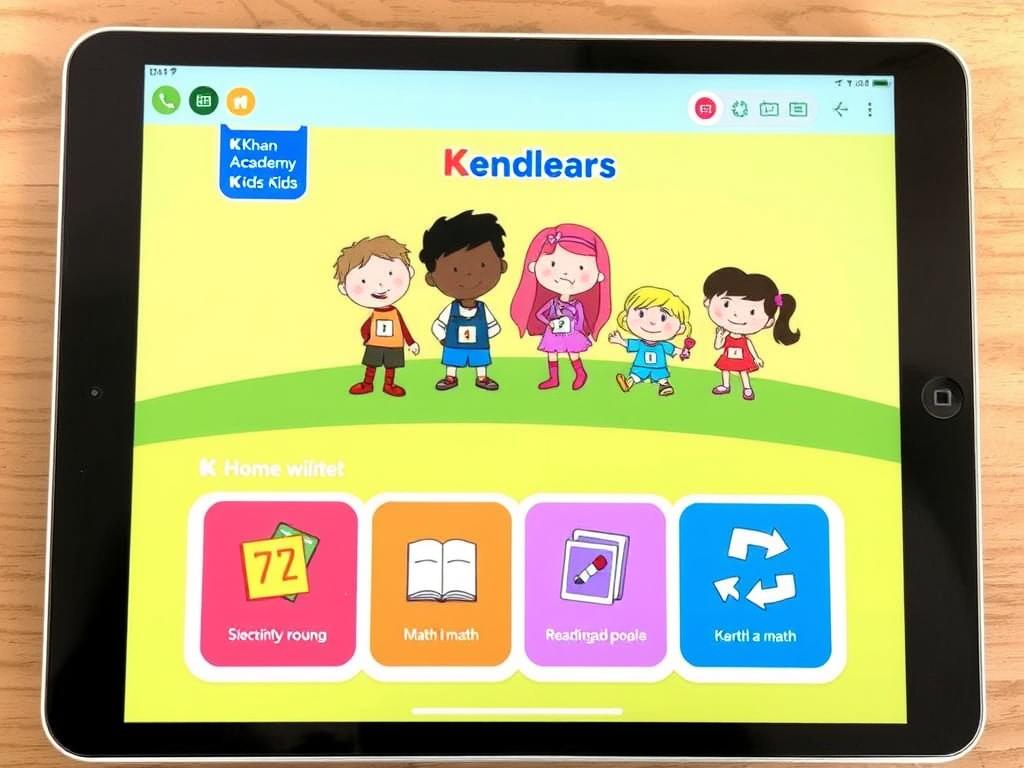
Learning Apps for Kids: How to Choose the Right Ones
Learning apps can make reading, maths, languages and creative skills more engaging for children. With colourful activities, stories and puzzles, they can offer a useful way to practise at home or on the go. But not every app labelled “educational” is equally helpful. The best choice depends on a child’s age, interests and needs — and on how the app is used.
What can children learn from apps?
Well-designed apps can help children build a range of skills. Some support early reading through letter recognition, phonics and storytelling. Others offer number games, logic puzzles, science activities, music or drawing tools. Language-learning apps can introduce new words, while creative apps may encourage children to make pictures, animations or simple games.
Interactive activities can be especially useful when they give children a chance to try, make mistakes and try again. Feedback should be clear and encouraging, helping a child understand what to do next rather than simply rewarding quick answers.
How to choose a learning app
Before downloading an app, consider these points:
- Age and ability: Check the recommended age range, but also consider whether the content suits your child’s current skills.
- Learning purpose: Look for a clear aim, such as practising phonics or exploring shapes, rather than a collection of unrelated games.
- Active participation: Choose apps that ask children to think, create or solve problems, rather than watch passively for long periods.
- Ease of use: Simple navigation helps children focus on the activity instead of struggling with menus.
- Privacy and safety: Read the privacy information and check what data the app collects. Look for parental controls and avoid sharing unnecessary personal details.
- Costs and adverts: Check whether the app includes adverts, in-app purchases or a subscription. Make sure children cannot make purchases without permission.
- Accessibility: Features such as adjustable text, audio instructions and subtitles can make an app easier for more children to use.
Make screen time more meaningful
An app is most useful when it complements, rather than replaces, other kinds of learning. Reading a story together, counting objects around the house, building with blocks and playing outdoors all offer valuable opportunities to learn. A digital activity can be a starting point for conversation: ask your child what they tried, what they found difficult or what they would like to make next.
It can also help to agree on when and where devices may be used. Short sessions with a clear purpose are often easier to manage than unrestricted access. Follow your family’s routines and any age-appropriate screen-time guidance, and make sure devices do not crowd out sleep, exercise, play or time with other people.
Try the app together
Before leaving a child to use an app independently, explore it together. Check that it works as expected, find the settings and see whether any links, adverts or purchase prompts appear. Playing alongside your child can also help you judge whether the activities are genuinely engaging and appropriate.
Children do not need the most expensive app or the newest device to learn. A small selection of safe, well-chosen activities — used thoughtfully and alongside real-world experiences — can make technology a helpful part of learning.
Top 8 Tips for Choosing Educational Apps for Children
- Choose apps suited to your child’s age.
- Look for clear learning goals.
- Try the app together first.
- Set a daily screen-time limit.
- Pick apps with no adverts.
- Check privacy and data settings.
- Balance app time with offline play.
- Ask your child what they enjoyed learning.
Choose apps suited to your child’s age.
Choose apps that are suited to your child’s age and stage of development. Activities that are too easy may quickly become boring, while those that are too difficult can cause frustration. Check the app’s recommended age range and preview its content to make sure the language, challenges and features are appropriate. Since children develop at different rates, consider your child’s interests and abilities as well as their age.
Look for clear learning goals.
Choose learning apps with clear goals, so you know what your child is practising—whether that is recognising letters, building number skills or learning new words. A focused app is more likely to offer purposeful activities and help children make progress, rather than keeping them busy with games that have little educational value. Before downloading, check the app description and try a few activities to see whether they match your child’s age and needs.
Try the app together first.
Try the app together first so you can check that it is suitable, easy to use and free from unexpected adverts or purchase prompts. Exploring it side by side also gives you the chance to show your child how it works, answer questions and see whether the activities are genuinely engaging. Once you are happy with the app, your child can use it more confidently and safely.
Set a daily screen-time limit.
Set a daily screen-time limit to help keep learning apps as one part of a balanced routine. Choose a limit that suits your child’s age and your family’s needs, and make it clear when screen time begins and ends. Use a timer or the device’s parental controls if helpful, and leave plenty of time for sleep, physical activity, outdoor play and face-to-face interaction.
Pick apps with no adverts.
Choose learning apps with no adverts wherever possible. Adverts can interrupt a child’s concentration, distract them from the activity and sometimes lead to unsuitable content or accidental clicks. An ad-free app makes it easier for children to focus on learning and gives parents greater peace of mind. Before downloading, check the app’s description and privacy settings, and look for any in-app purchases or external links.
Check privacy and data settings.
Before your child starts using a learning app, check its privacy policy and data settings. Find out what information it collects, how it is used and whether it is shared with third parties. Choose apps that ask for only the information they need, offer clear parental controls and let you limit features such as location access, personalised adverts or in-app purchases. Avoid entering your child’s full name or other personal details unless they are essential.
Balance app time with offline play.
Balance app time with plenty of offline play. Building with blocks, drawing, reading, spending time outdoors and playing with others all help children learn in different ways. These activities encourage creativity, movement and social skills, while giving children a break from screens. Try setting aside regular device-free times and choosing app activities that inspire something offline, such as drawing a character from a story or trying a simple science experiment together.
Ask your child what they enjoyed learning.
After your child has used a learning app, ask what they enjoyed learning or which activity they liked best. A relaxed conversation helps them reflect on what they have discovered, practise explaining their ideas and feel proud of their progress. Their answers can also help you choose future activities that match their interests and keep learning enjoyable.